
Types of Pens

- Pen Brush: Offers various brush options like Ink, Pencil, Water, etc.
- Marker: A standard pen with simple lines.
- Bucket: Tap to fill color. This type is only for templates.
- Lasso: Select custom areas, then create masks, replace color, or delete the selected area.
- Shape: Provides various geometric shapes.
- Eraser: For erasing.
Drawing Modes:
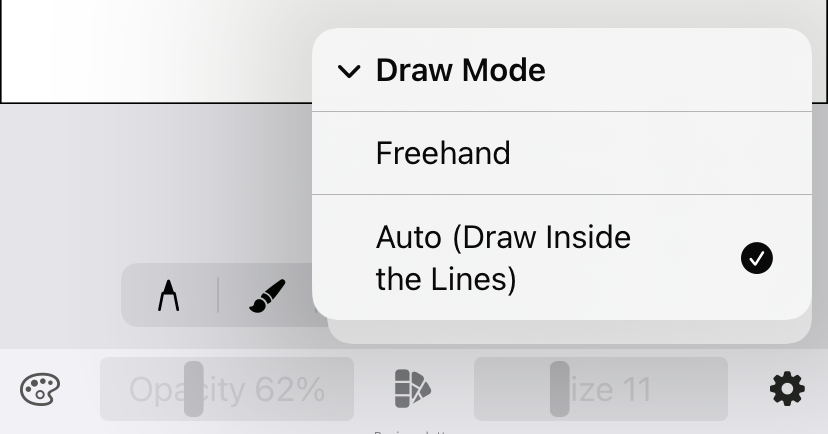
- Auto Mode: Only colors or draws within the mask area.
- Freehand Mode: Freehand coloring without being restricted by masks. To change modes: Go to Settings icon -> Draw Mode -> Choose Freehand or Auto.
Export Image: Settings icon -> Export
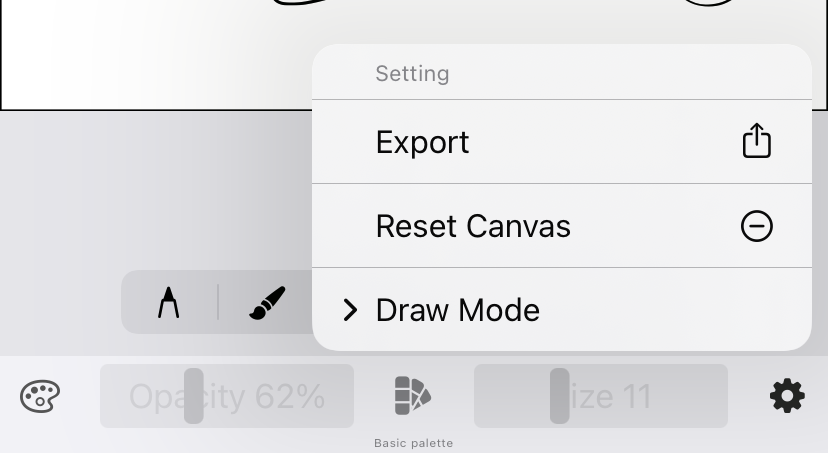
Reset Canvas: Settings icon -> Reset Canvas
Color Palettes: Swipe left or right to change the palette.
Import Image (Draw without a template):
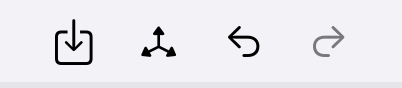
Top menu bar -> Click the import icon -> Select mode (Original or Black & White) You can zoom or resize the image before placing it on the canvas.”

 DrawingEZ
Leave a comment